
Seedance 2.5 Prompt Library
Explore production-ready prompts for cinematic scenes, branded videos, social content, and reference-guided motion.
Nutze und hoste dieses kostenlose Open-Source-Bild zu Video-Template ohne Anmeldung. Für die Generierung sind Flaq Client Key und API-Guthaben nötig.
Image-to-Video-KI-Generator-Beispiele zeigen, wie Ideen mit klarer Bewegung, filmischer Bildgestaltung, realistischer Physik und optionalem Audio zu dynamischen Clips werden koennen, wenn das ausgewaehlte Modell dies unterstuetzt.
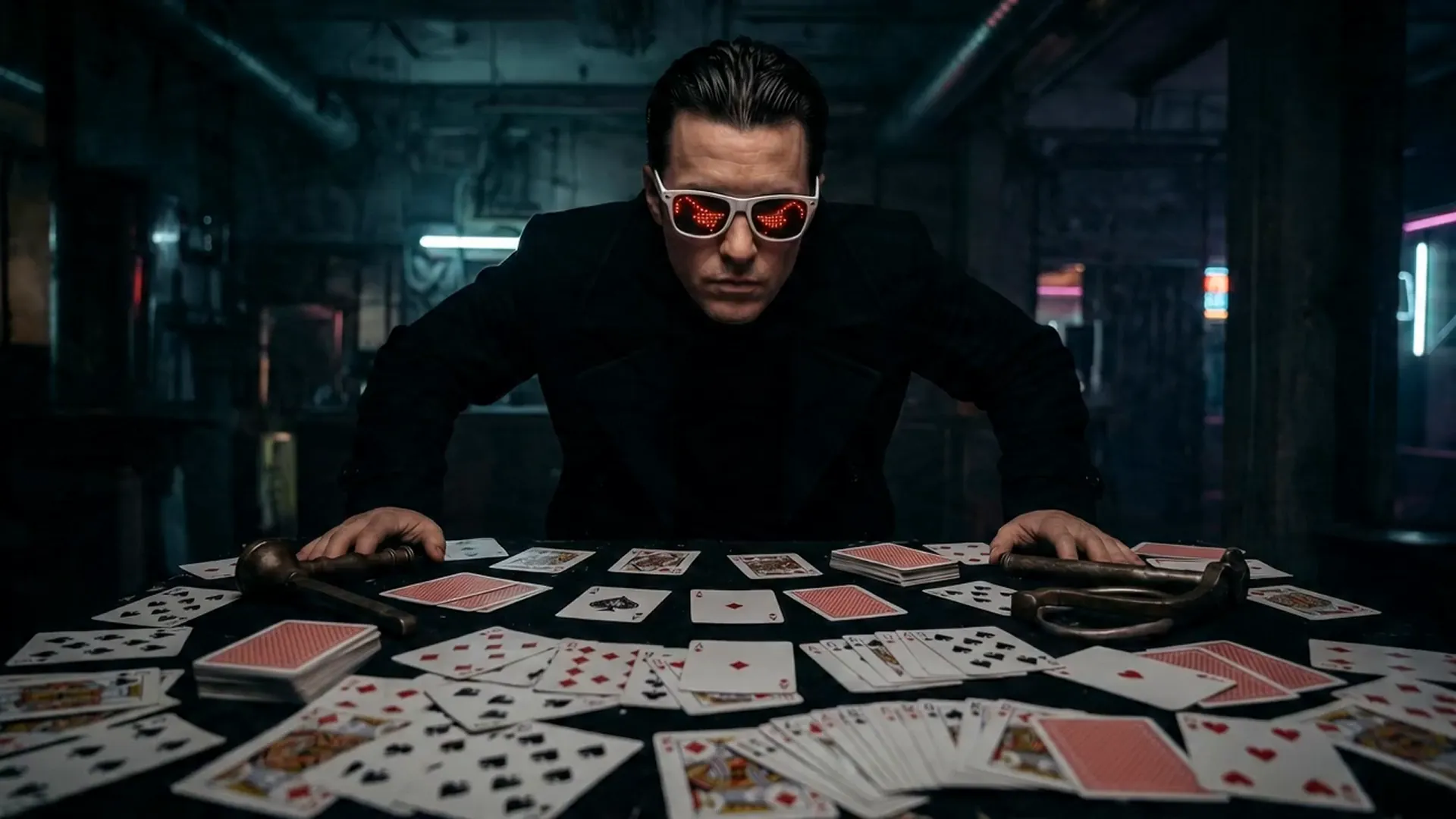
Open curated prompt libraries for popular image and video models, then adapt complete examples to your own creative workflow.
Explore production-ready prompts for cinematic scenes, branded videos, social content, and reference-guided motion.

Browse detailed prompts for expressive characters, product stories, cinematic sequences, and fast-moving video concepts.

Find adaptable prompt ideas for realistic motion, visual storytelling, advertisements, and imaginative video generation.

Discover structured image prompts for design exploration, illustration, marketing visuals, and precise creative direction.

Flaq AI Model Market
Continue to the Flaq AI Model Market to discover additional image, video, language, and creative AI options with documentation for each supported workflow.
Visit the Model MarketPartnerprogramm
Empfiehl Flaq.ai Kreativen, Entwicklern und Teams, die sich für Bild- und Videogenerierung, Modell-APIs, kreative Workflows und Entwickler-Integrationen interessieren. Erhalte 20 % Provision auf die erste gültige bezahlte Bestellung eines geworbenen Nutzers und 10 % auf weitere gültige bezahlte Bestellungen innerhalb von 60 Tagen nach der Registrierung.
Jetzt Geld verdienenAI Video Generator not only generates content quickly but also focuses on visual hierarchy and narrative logic, making it an important productivity tool for content creators and business teams.
AI Video Generator produces high-quality videos with smooth motion and clear visuals, meeting professional video production standards.
Through optimized AI models, the generator significantly improves creative efficiency and shortens production cycles.
Character movements connect smoothly, scene transitions are seamless, both enhancing immersion and ensuring narrative continuity and logic.
With the Image to Video AI Generator, creators can unleash their imagination across various scenarios—from film shorts and social media content to brand advertising, educational training, and virtual reality experiences. This advanced tool can quickly transform text descriptions into high-quality, realistic and vivid video works, not only improving creative efficiency but also saving production costs, making creativity come to life faster.
AI Video Generator can quickly transform text descriptions into cinematic short films. Whether it's dramatic segments, sci-fi scenes, or emotional narratives, it can present precise cinematography, character consistency, and style matching, significantly improving the creative efficiency of film and video content.
With AI Video Generator, brands can easily generate high-quality advertising videos, product showcases, or promotional shorts at lower costs than traditional filming while quickly iterating versions, thereby enhancing brand exposure and communication effectiveness.
For platforms like YouTube Shorts, TikTok, and Instagram Reels, AI Video Generator can create attractive short videos. Combined with sound effects and visual filters, it helps creators enhance content interactivity and viral potential.
Teachers and training personnel can use AI Video Generator to create instructional videos, teaching demonstrations, or animated courseware. With AI-generated visuals and audio coordination, abstract or complex knowledge becomes more intuitive and easier to understand.
Beginne mit dem Foto, Produktbild, Portraet, Design oder der visuellen Referenz, die du animieren moechtest. Einige Modelle unterstuetzen auch einen Endframe.
Schreibe einen Prompt, der Handlung, Kamerabewegung, Emotion, Beleuchtung, Tempo, Hintergrundwechsel und Quellbilddetails beschreibt, die stabil bleiben sollen.
Waehle ein unterstuetztes Image-to-Video-Modell, generiere den Clip, sieh dir das Ergebnis an und verfeinere Prompt oder Einstellungen fuer eine bessere Version.