
Seedance 2.5 Prompt Library
Explore production-ready prompts for cinematic scenes, branded videos, social content, and reference-guided motion.
Usa y aloja sin registro esta plantilla Imagen a Vídeo gratis y de código abierto. Para generar necesitas Flaq Client Key y crédito API.
Los ejemplos del generador de IA de imagen a video muestran cómo una imagen fuente puede convertirse en un clip en movimiento con acción guiada por prompts, movimiento de cámara, consistencia visual y audio opcional cuando el modelo seleccionado lo admite.
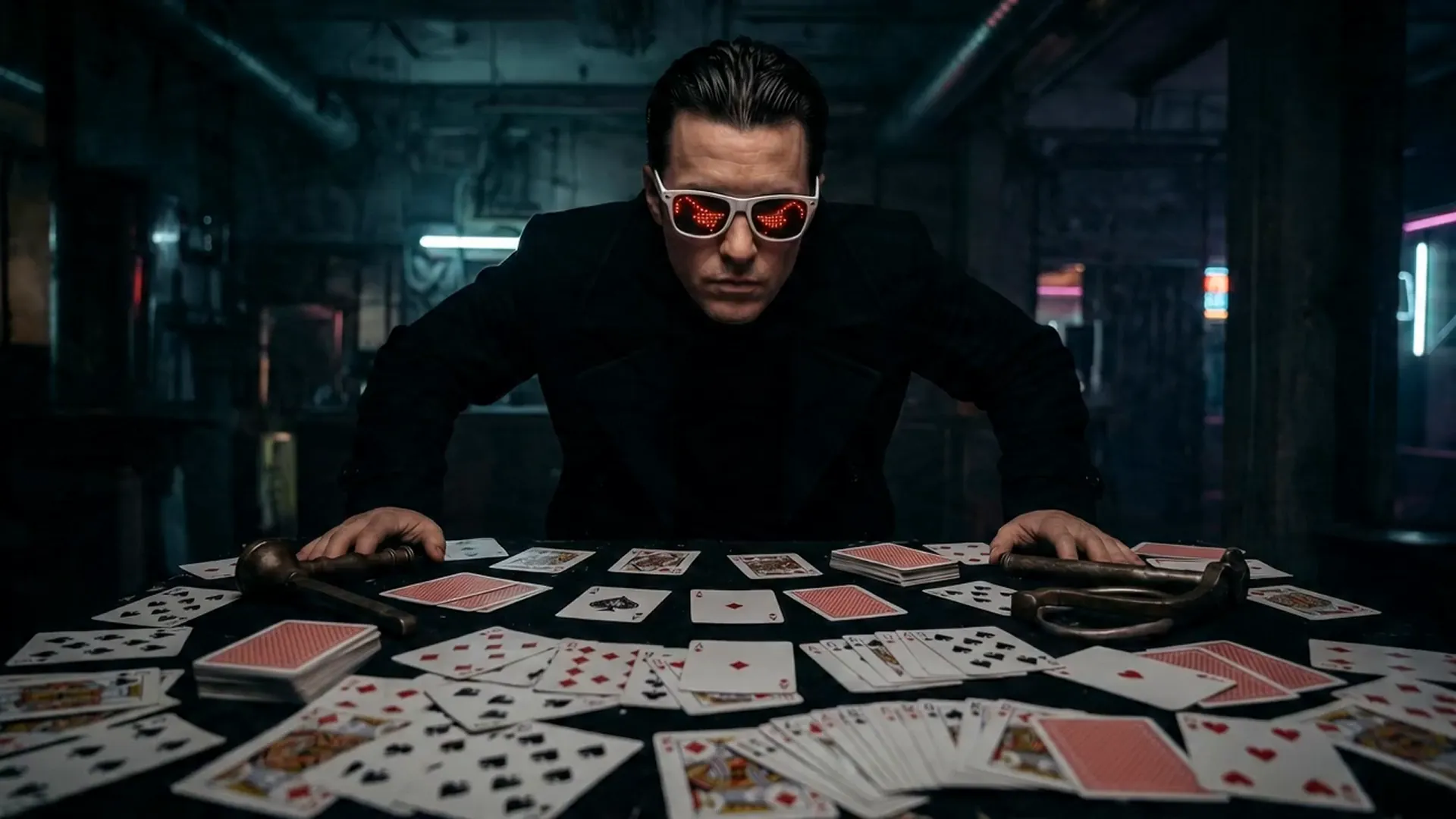
Open curated prompt libraries for popular image and video models, then adapt complete examples to your own creative workflow.
Explore production-ready prompts for cinematic scenes, branded videos, social content, and reference-guided motion.

Browse detailed prompts for expressive characters, product stories, cinematic sequences, and fast-moving video concepts.

Find adaptable prompt ideas for realistic motion, visual storytelling, advertisements, and imaginative video generation.

Discover structured image prompts for design exploration, illustration, marketing visuals, and precise creative direction.

Flaq AI Model Market
Continue to the Flaq AI Model Market to discover additional image, video, language, and creative AI options with documentation for each supported workflow.
Visit the Model MarketPrograma de afiliados
Recomienda Flaq.ai a creadores, desarrolladores y equipos interesados en la generación de imágenes y vídeo, las API de modelos, los flujos creativos y las integraciones para desarrolladores. Gana un 20% de comisión por el primer pedido válido de pago de un usuario referido y un 10% por los siguientes pedidos válidos de pago realizados durante los 60 días posteriores a su registro.
Empezar a ganarAI Video Generator not only generates content quickly but also focuses on visual hierarchy and narrative logic, making it an important productivity tool for content creators and business teams.
AI Video Generator produces high-quality videos with smooth motion and clear visuals, meeting professional video production standards.
Through optimized AI models, the generator significantly improves creative efficiency and shortens production cycles.
Character movements connect smoothly, scene transitions are seamless, both enhancing immersion and ensuring narrative continuity and logic.
With the Image to Video AI Generator, creators can unleash their imagination across various scenarios—from film shorts and social media content to brand advertising, educational training, and virtual reality experiences. This advanced tool can quickly transform text descriptions into high-quality, realistic and vivid video works, not only improving creative efficiency but also saving production costs, making creativity come to life faster.
AI Video Generator can quickly transform text descriptions into cinematic short films. Whether it's dramatic segments, sci-fi scenes, or emotional narratives, it can present precise cinematography, character consistency, and style matching, significantly improving the creative efficiency of film and video content.
With AI Video Generator, brands can easily generate high-quality advertising videos, product showcases, or promotional shorts at lower costs than traditional filming while quickly iterating versions, thereby enhancing brand exposure and communication effectiveness.
For platforms like YouTube Shorts, TikTok, and Instagram Reels, AI Video Generator can create attractive short videos. Combined with sound effects and visual filters, it helps creators enhance content interactivity and viral potential.
Teachers and training personnel can use AI Video Generator to create instructional videos, teaching demonstrations, or animated courseware. With AI-generated visuals and audio coordination, abstract or complex knowledge becomes more intuitive and easier to understand.
Empieza con la foto, imagen de producto, retrato, diseño o referencia visual que quieras animar. Algunos modelos también admiten un fotograma final.
Escribe un prompt que explique la acción, el movimiento de cámara, la emoción, la iluminación, el ritmo, el cambio de fondo y los detalles de la imagen fuente que deben permanecer estables.
Elige un modelo compatible de imagen a video, genera el clip, previsualiza el resultado y luego refina el prompt o los ajustes para una mejor versión.