
Seedance 2.5 Prompt Library
Explore production-ready prompts for cinematic scenes, branded videos, social content, and reference-guided motion.
Usa e ospita senza registrazione il template Testo in Immagine, gratuito e open source. Per generare servono Flaq Client Key e credito API.
Un potente flusso di creazione immagini AI per trasformare idee scritte in visual dettagliati, progettato per forte comprensione del prompt, selezione flessibile del modello, composizione pulita e iterazione creativa rapida.
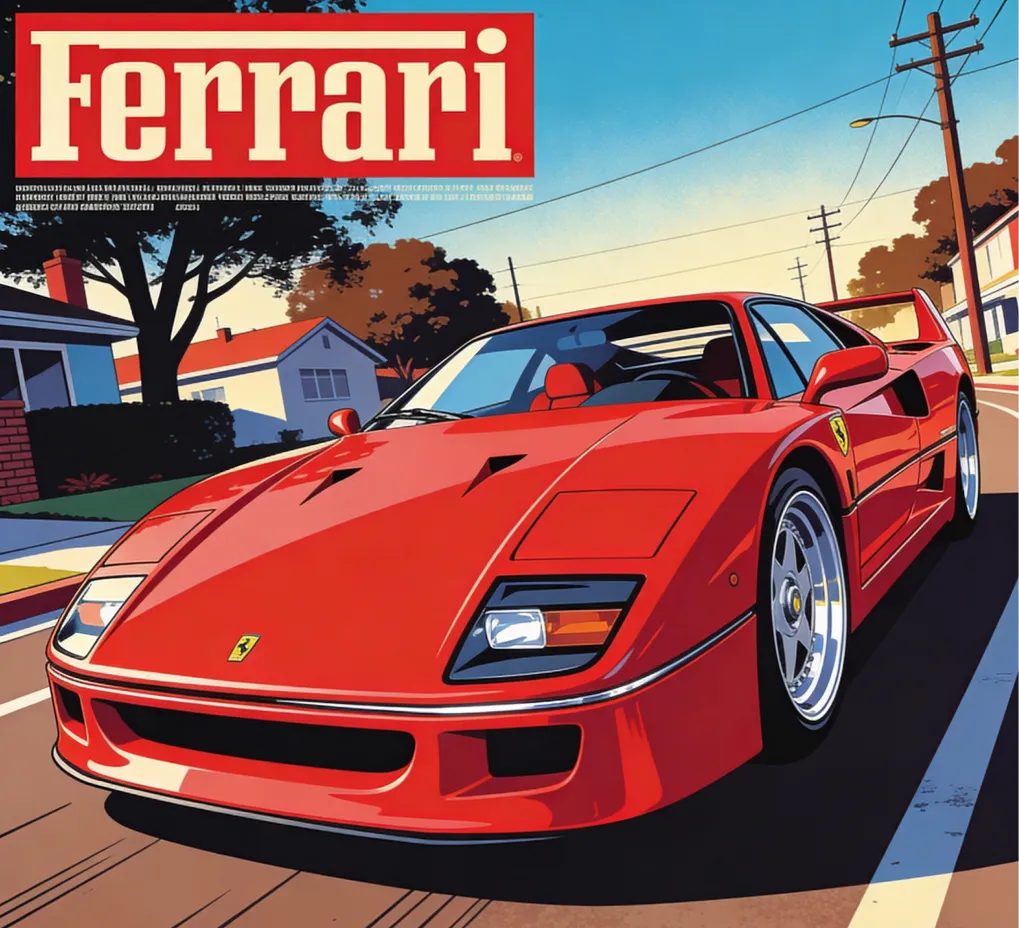
A sleek red Ferrari F40 sports car, angled front-left view on a road, action of being prominently displayed on a vintage magazine cover, dynamic low-angle shot, sun-drenched lighting with soft shadows, pop art color scheme with dominant reds, blues, and browns, retro graphic design style mixed with flat illustration, urban street scene in the background with trees, houses, and utility poles, smooth polished car body, detailed chrome accents, vibrant energetic mood, high-quality vector art, sharp crisp lines.
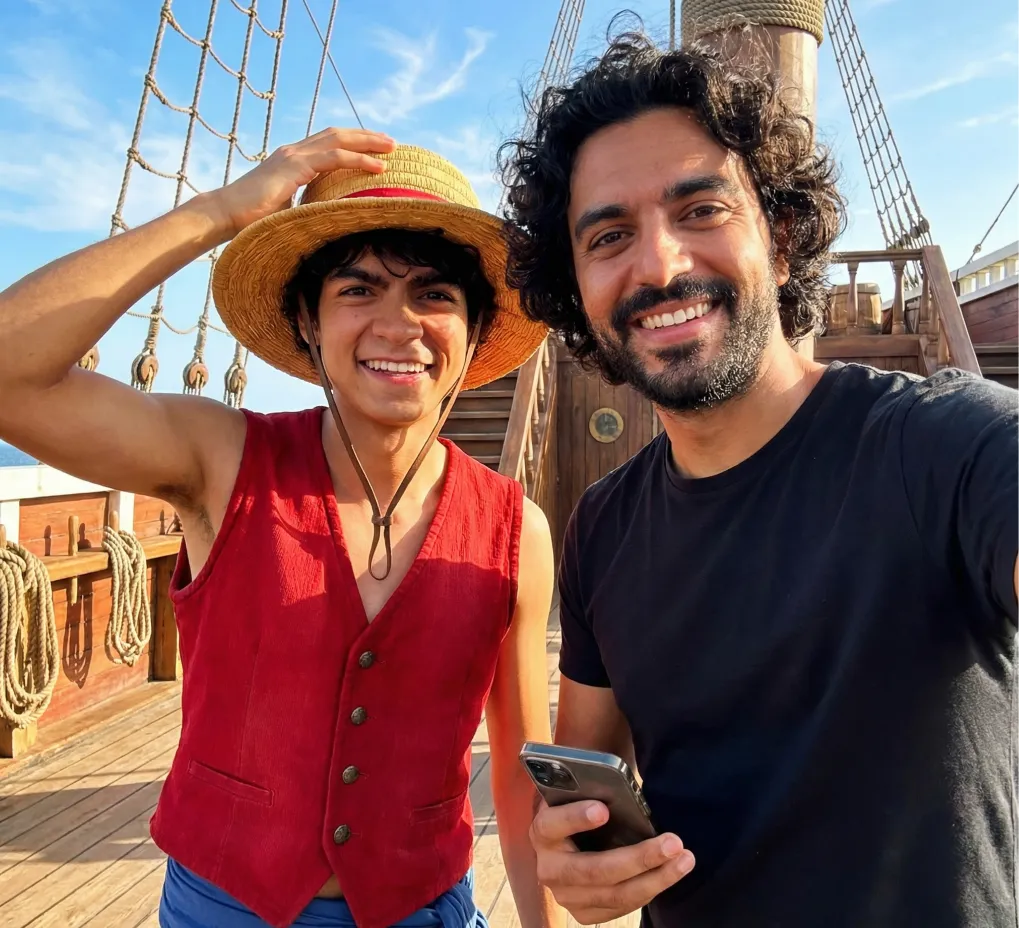
Realistic Style, Place Monkey D. Luffy next to the man, smiling widely with his straw hat tilted. Use a Thousand Sunny deck background with bright blue sky. Keep the selfie composition intact and integrate both characters naturally.
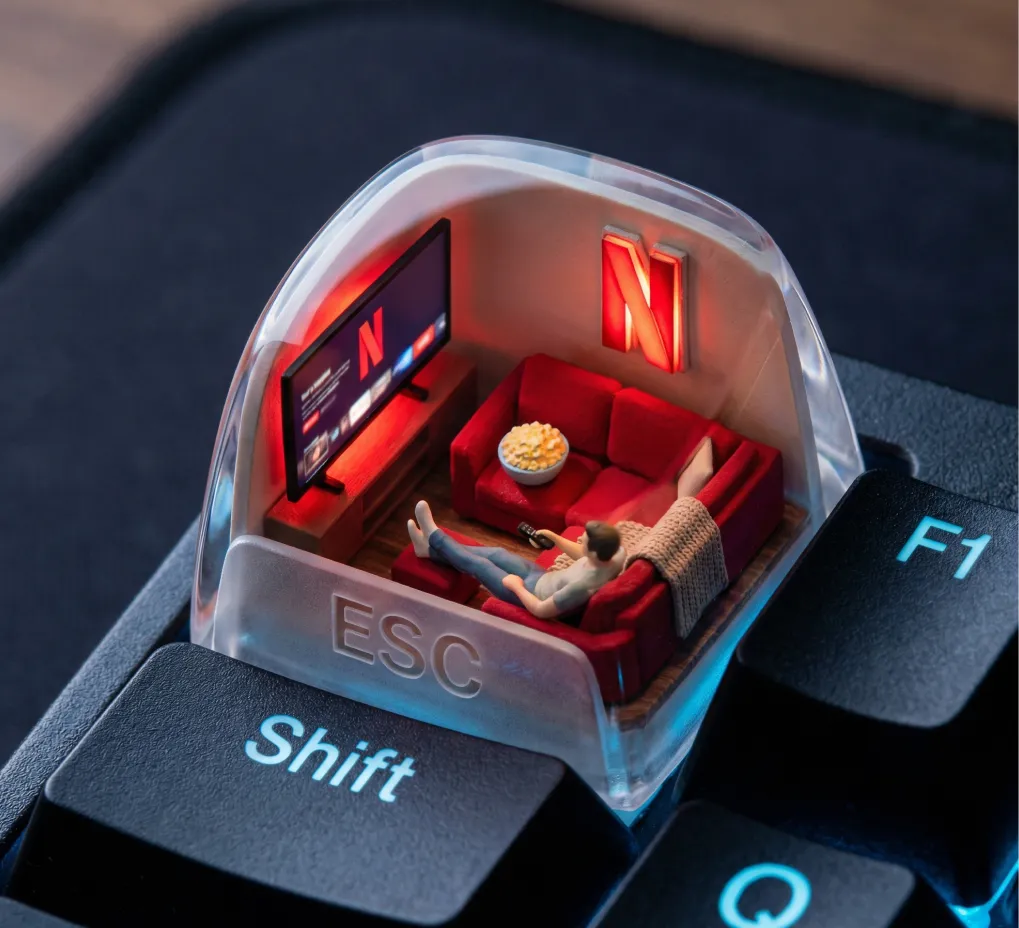
A photorealistic ESC keycap scene shows a miniature cozy living room setup. Inside: a glowing red Netflix screen, a plush red couch, popcorn bowl, and throw blanket. A small figure lounges with feet up, watching content. The red “N” logo glows from behind like mood lighting. Outside: cool tech-blue reflections on F1, Shift, and Q keys. The word “ESC” is subtly present in a glassy fog on top of the cap.
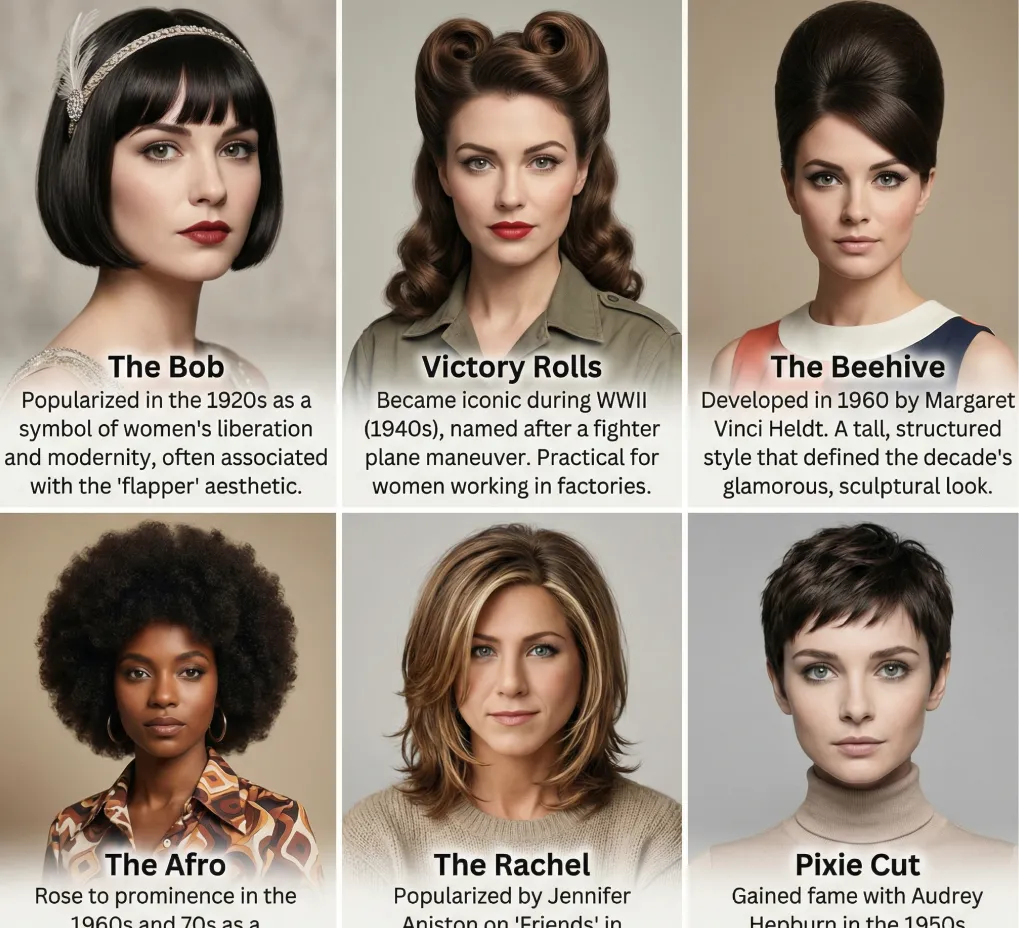
Create a grid of 6 different hairstyles for this women. List the name of each hairstyle and the brief history about the hairstyle. They can be from any era.
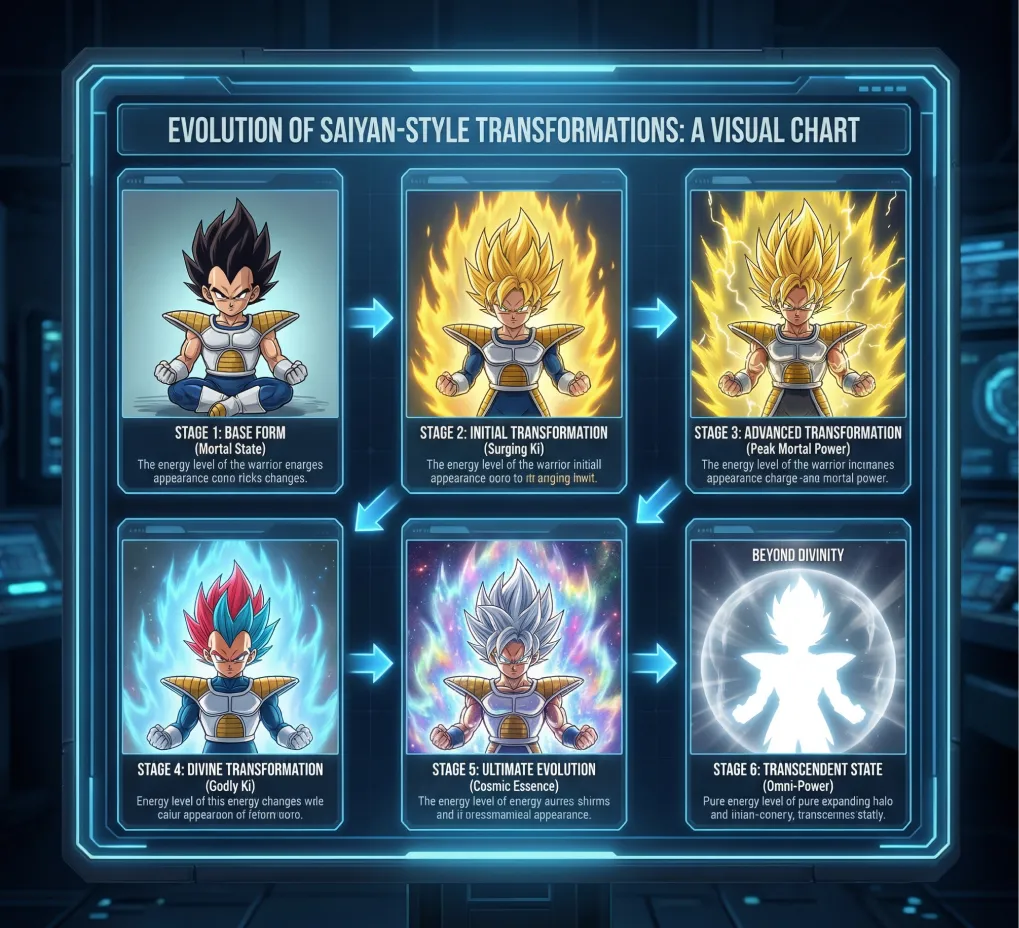
Create a detailed visual chart showing the full evolution of “Super Saiyan–style transformations”, using an original Saiyan-inspired warrior, depicted in multiple stages from base form to divine transformations.
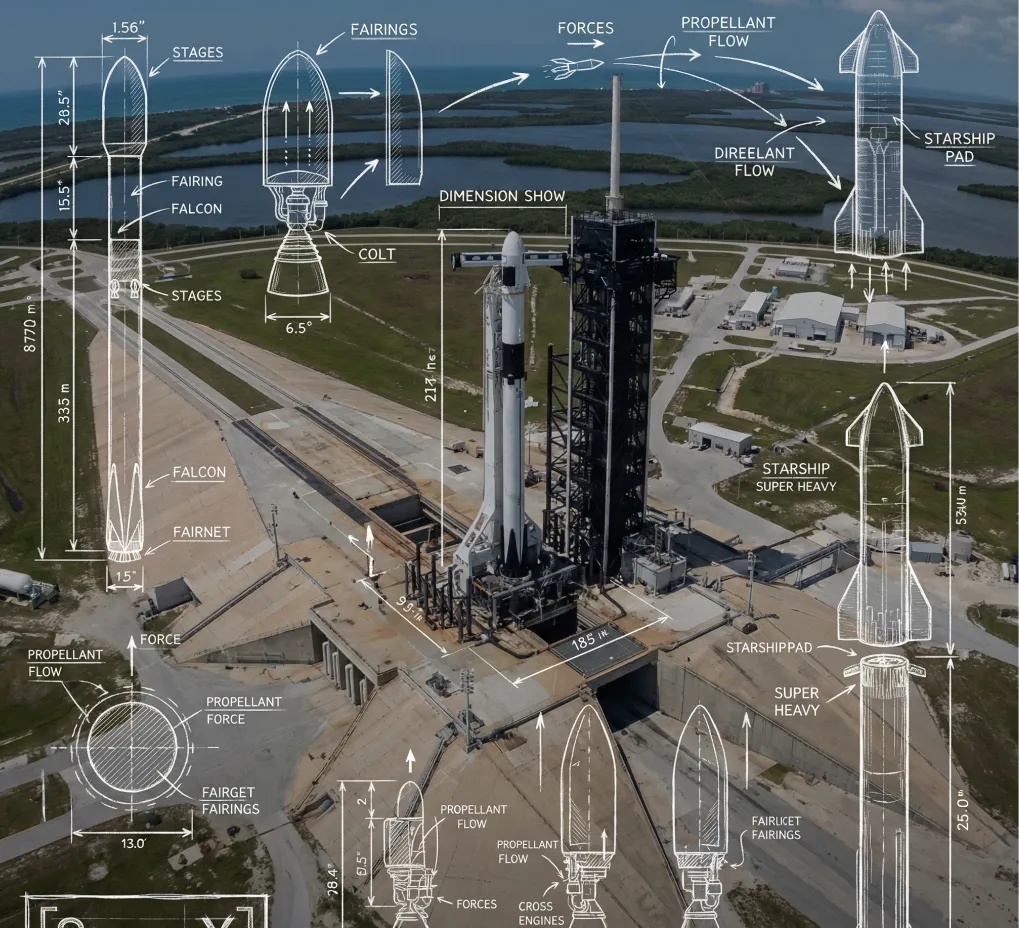
A high-angle, wide-angle real-world photograph of **[SPace X]** serves as the background, overlaid with detailed white technical engineering schematics and blueprint lines. The style resembles white hand-drawn chalk or pencil sketches drawn directly onto the photograph. Key elements include: dimension lines with measurement values labeling **[key dimensions of the subject]**, directional arrows indicating **[forces, motion, or flow]**, detailed cross-section diagrams of **[internal components]**, and exploded views of **[complex assemblies]**. Key features are annotated with neat, handwritten text labels. Aesthetic style: educational science diagrams, industrial design analysis, clean, precise, mixed-media. In the lower-left corner, include a hand-drawn, blueprint-style logo inside a sketched frame, with the text “**[Space X]**”.
Open curated prompt libraries for popular image and video models, then adapt complete examples to your own creative workflow.
Explore production-ready prompts for cinematic scenes, branded videos, social content, and reference-guided motion.

Browse detailed prompts for expressive characters, product stories, cinematic sequences, and fast-moving video concepts.

Find adaptable prompt ideas for realistic motion, visual storytelling, advertisements, and imaginative video generation.

Discover structured image prompts for design exploration, illustration, marketing visuals, and precise creative direction.

Flaq AI Model Market
Continue to the Flaq AI Model Market to discover additional image, video, language, and creative AI options with documentation for each supported workflow.
Visit the Model MarketProgramma di affiliazione
Consiglia Flaq.ai a creator, sviluppatori e team interessati alla generazione di immagini e video, alle API dei modelli, ai workflow creativi e alle integrazioni per sviluppatori. Guadagna il 20% di commissione sul primo ordine valido a pagamento di un utente segnalato e il 10% sui successivi ordini validi a pagamento effettuati entro 60 giorni dalla registrazione.
Inizia a guadagnareThe core advantages of Text to Image AI lie in automating the traditionally complex, high-barrier image creation process, enabling users to rapidly obtain high-quality visual results while maintaining realism and creativity.
AI rapidly transforms text into images, dramatically reducing time costs for creators.
The generated images maintain consistency in overall composition, color, and detailed features, faithfully reproducing both meaning and fine details.
Supports natural language text inputs, platform templates, or AI auto-generated supplementary materials—catering to all levels of experience and diverse needs.
Whether you're a designer, content creator, product team, developer, or brand owner, easily create ready-to-use image assets for a variety of applications.
Usa Flaq AI Text to Image Generator ogni volta che hai bisogno di immagini originali da parole, senza preparare un'immagine di riferimento o costruire un flusso di design complesso.
Genera concept di campagna, scene di prodotto, grafiche di lancio, post social, idee per miniature e varianti pubblicitarie direttamente da un brief creativo scritto.
Trasforma moodboard, direzioni visive, note di stile, idee di packaging e concept di layout in bozze rifinite per revisione e iterazione più rapide.
Crea visual per lezioni, illustrazioni concettuali, diagrammi, immagini esplicative e asset per presentazioni che rendono le informazioni astratte più facili da capire.
Sviluppa personaggi, fotogrammi cinematografici, ambienti, poster, copertine, scene di worldbuilding e artwork narrativi da descrizioni testuali dettagliate.
Text to Image features a simple and intuitive workflow—no design experience required. Just enter your text description and the system automatically analyzes the semantics to generate the corresponding visual image.
Descrivi l'immagine che vuoi, includendo soggetto, ambientazione, stile, illuminazione, composizione, atmosfera, colori, angolazione della camera e qualsiasi testo che dovrebbe apparire.
Seleziona un provider e un modello per il tuo obiettivo creativo, poi imposta rapporto, risoluzione, qualità, seed o ottimizzazione del prompt quando il modello scelto li supporta.
Clicca genera, rivedi il risultato dell'immagine, modifica il prompt o le impostazioni, quindi scarica l'immagine finale nei formati supportati come JPG, PNG o WebP.