
Seedance 2.5 Prompt Library
Explore production-ready prompts for cinematic scenes, branded videos, social content, and reference-guided motion.
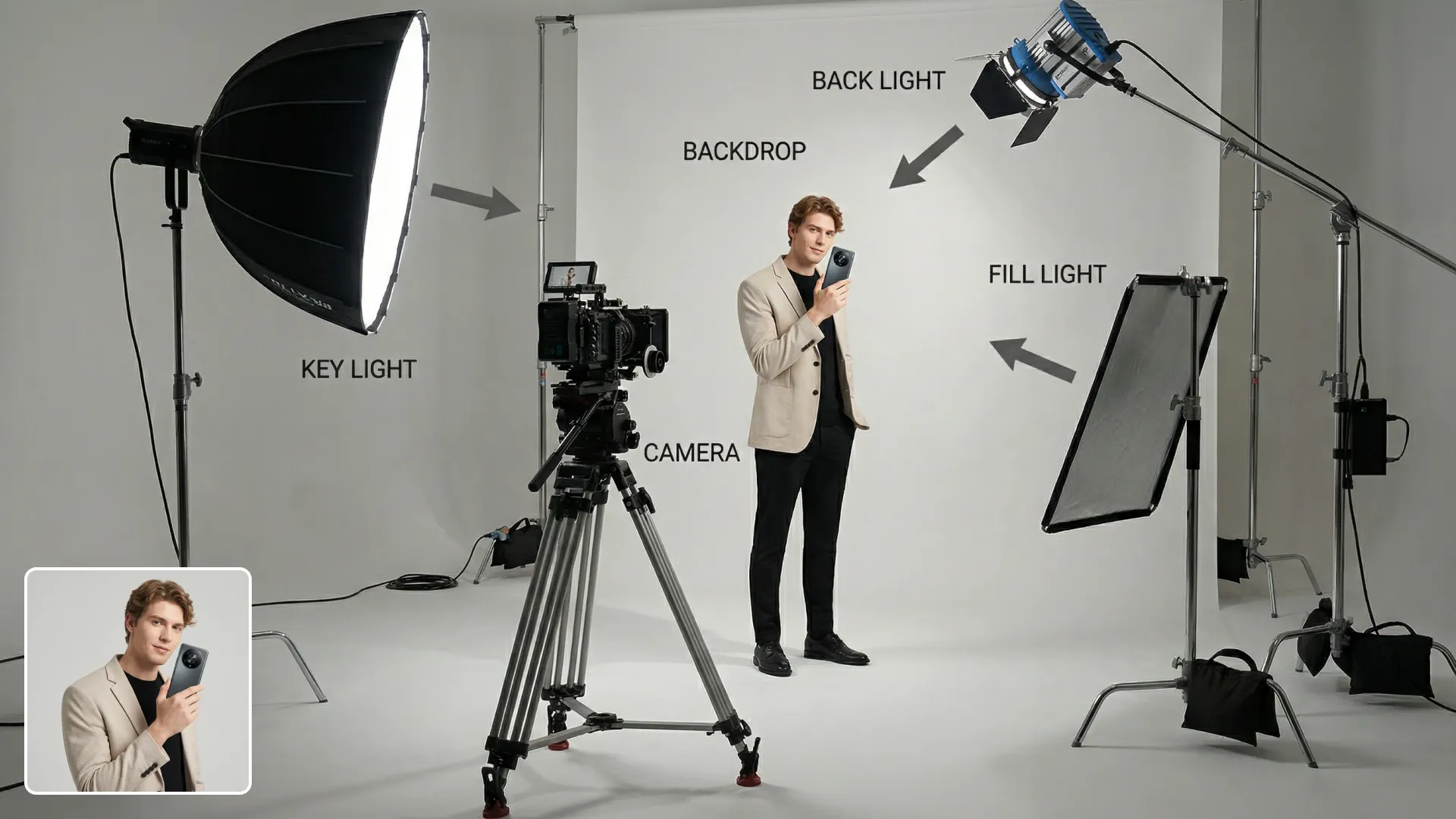
登録不要で、この無料・オープンソースの画像から画像テンプレートを使用・変更・セルフホストできます。モデル生成には Flaq Client Key が必要で、API 利用料は別途発生します。
参照ガイド付き生成、ビジュアル編集、スタイル転送、商品モックアップ、重要なソース画像の詳細を保った高速な画像バリエーションに対応する、柔軟な画像から画像作成ツール。
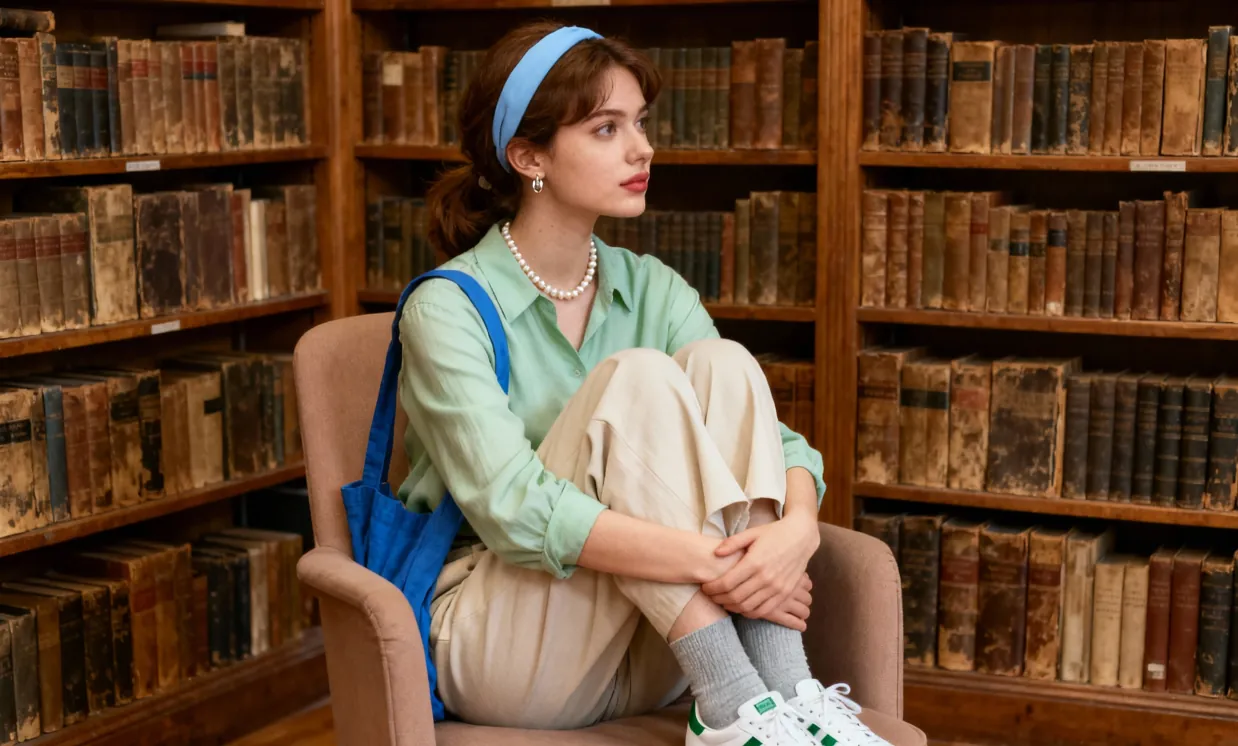
Original
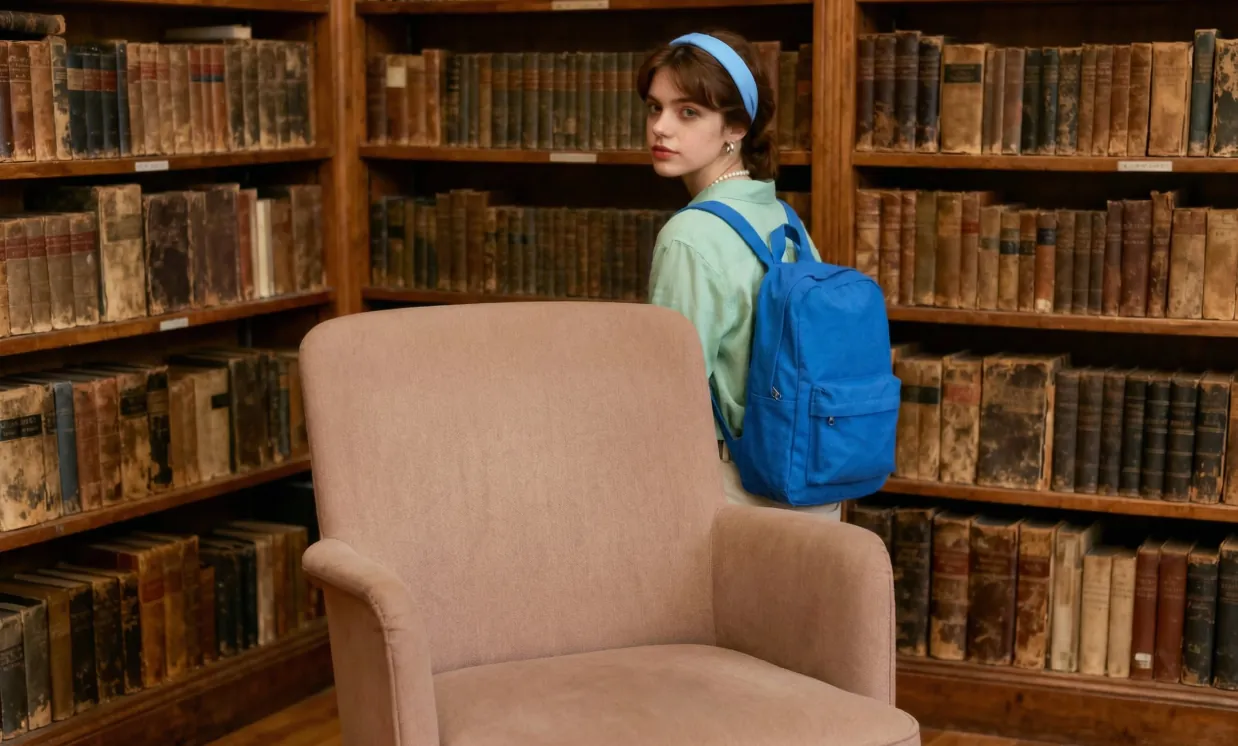
A girl with a backpack, standing relaxed near a bookshelf and behind a chair. Keep every other detail in the scene completely unchanged.
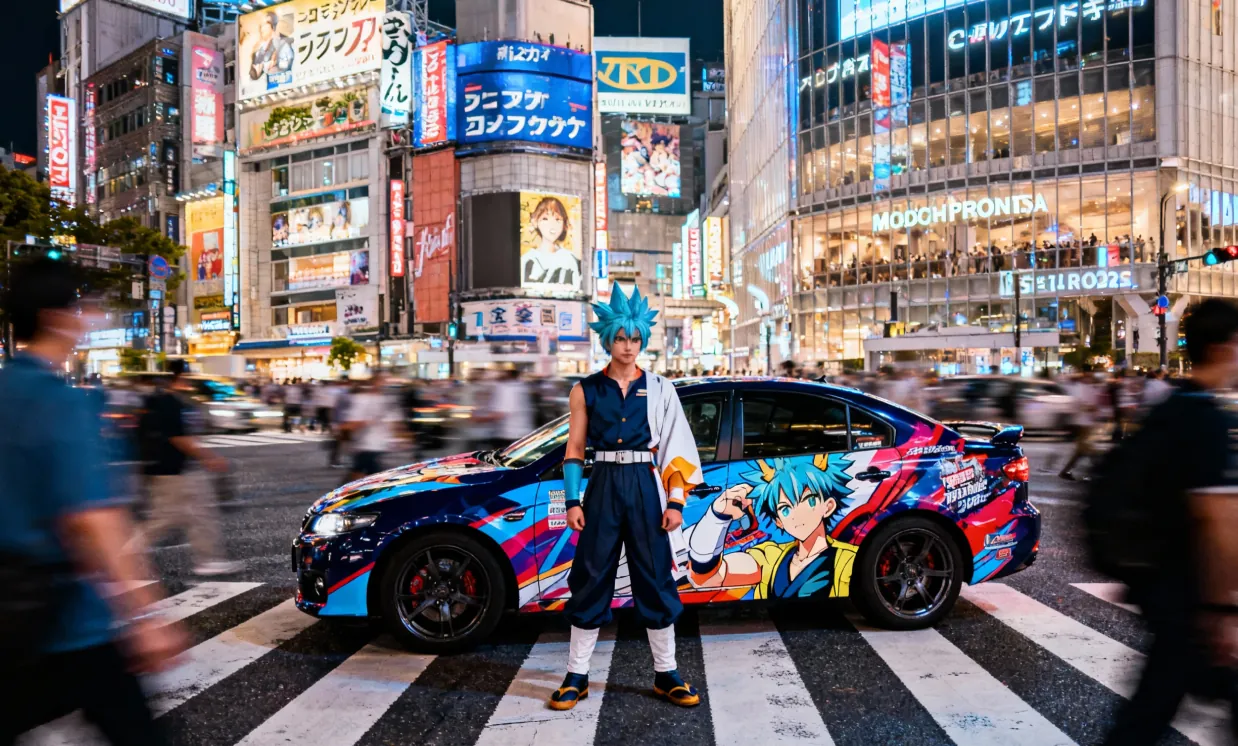
Original
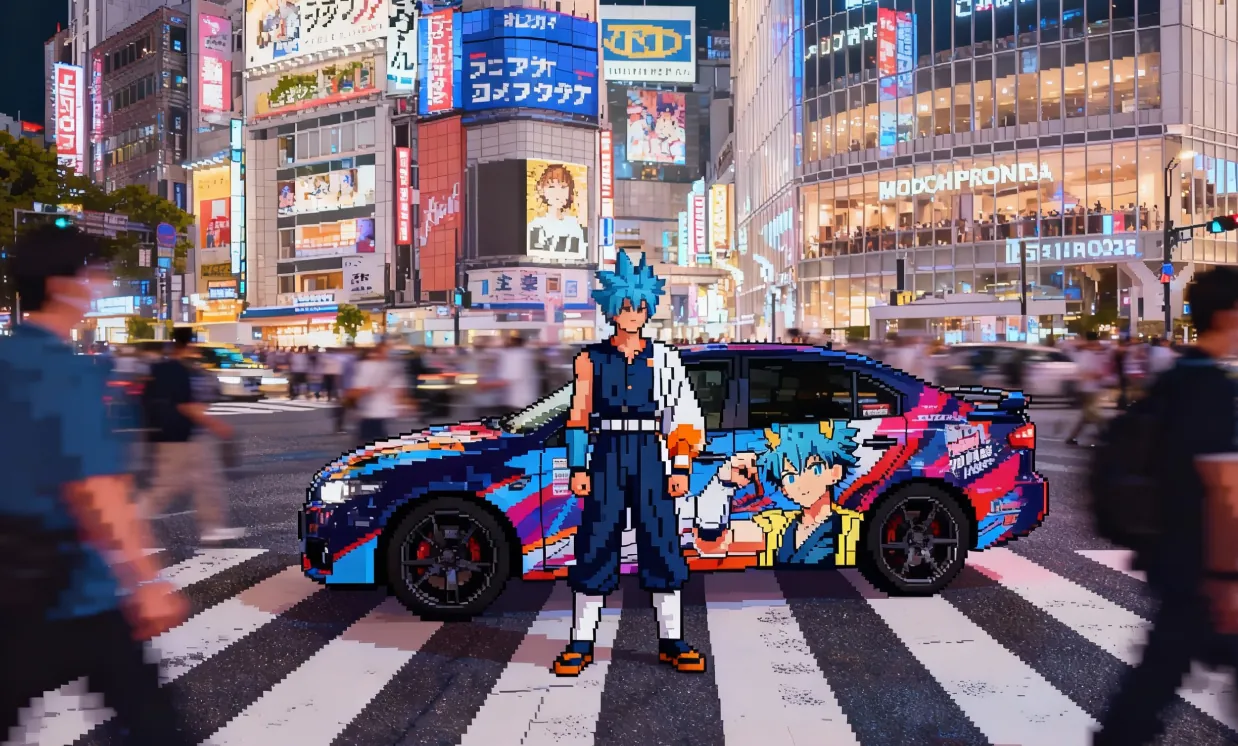
Convert a realistic image into retro, grid-style pixel video game art.
Original

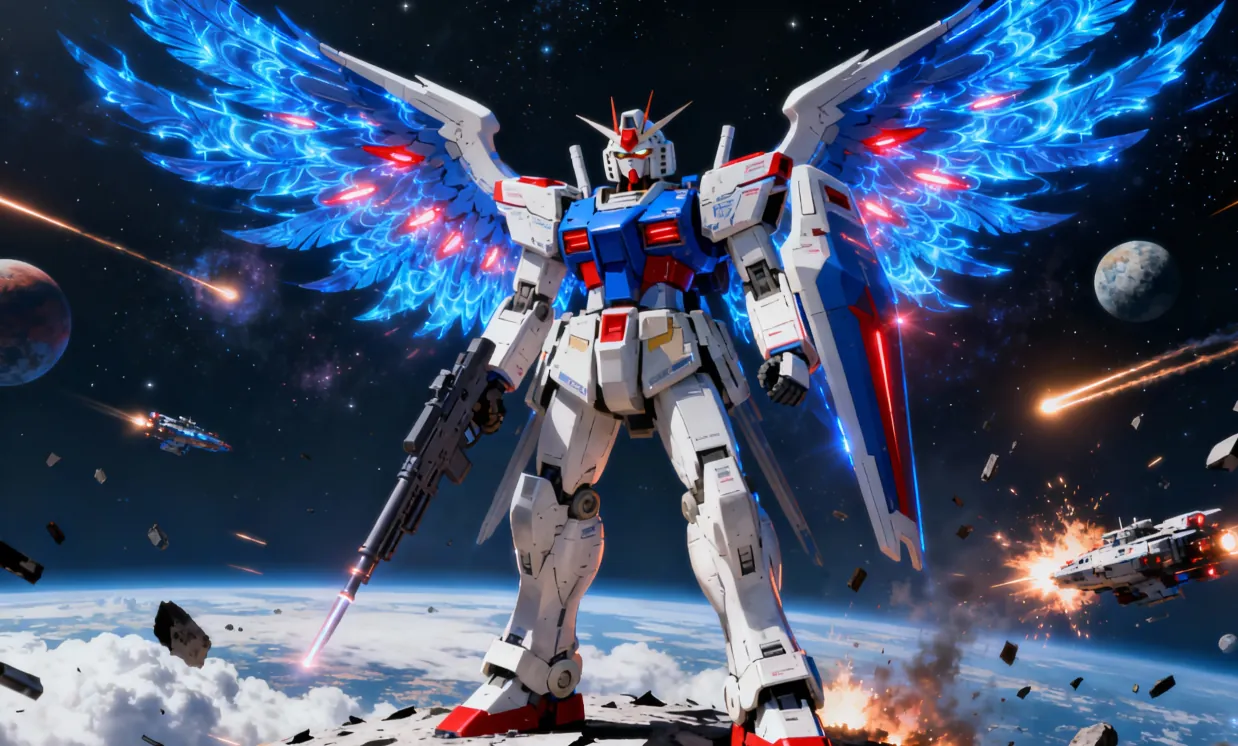
Ultra-realistic 8K overhead photo in strict knolling style. Take the object from the reference image and fully disassemble it into 8 to 12 main parts, arranging them neatly in a grid or radial layout on a minimalist wood or matte gray tabletop. Use uniform spacing and perfect alignment, no overlap or extraneous items. The scene is softly and diffusely lit by multiple light sources, casting subtle shadows and balancing neutral colors, with all elements in perfect focus. Show highly detailed real-world materials (metal, plastic, rubber grips, circuit boards, screws). For each part, add a slim white rectangular border, and place a short, clear English label next to it in a simple sans-serif font, not covering the part; annotations must be legible and not intrusive.
Open curated prompt libraries for popular image and video models, then adapt complete examples to your own creative workflow.
Explore production-ready prompts for cinematic scenes, branded videos, social content, and reference-guided motion.

Browse detailed prompts for expressive characters, product stories, cinematic sequences, and fast-moving video concepts.

Find adaptable prompt ideas for realistic motion, visual storytelling, advertisements, and imaginative video generation.

Discover structured image prompts for design exploration, illustration, marketing visuals, and precise creative direction.

Flaq AI Model Market
Continue to the Flaq AI Model Market to discover additional image, video, language, and creative AI options with documentation for each supported workflow.
Visit the Model Marketアフィリエイトプログラム
画像・動画生成、モデルAPI、クリエイティブワークフロー、開発者向け連携に関心のあるクリエイター、開発者、チームにFlaq.aiを紹介しましょう。紹介ユーザーの最初の有効な有料注文で20%、登録後60日以内のそれ以降の有効な有料注文で10%のコミッションを獲得できます。
報酬獲得を始めるA professional AI image-to-image tool offering high-resolution outputs and a streamlined, user-friendly interface. Easily generate high-quality works from reference images. Diverse settings provide creative freedom, making image editing, design, and art creation more efficient and flexible.
Outstanding in rendering textures, lighting, and composition, the system produces highly accurate, richly detailed, and realistic images for vivid results.
Customize your desired visual style freely using prompts or reference images. Whether illustration, social media, product sketch, or other visual types, achieve your vision with ease.
Leveraging advanced natural language processing, the system accurately understands prompts and descriptions to quickly generate and optimize image content for smarter, more efficient creation.
The AI image-to-image converter is suitable for poster design, brand marketing, product showcases, and artistic creation. It enables precise image and text control, greatly improving creative efficiency and visual quality and providing powerful creative capabilities for designers, business teams, and educators.
Supports poster and various creative visual editing, with flexible adjustment of fonts, sizes, and styles—perfect for event promotion and brand marketing.
Enables rapid generation of product visuals and creative marketing materials, saving design time, enhancing visual appeal, and boosting brand influence.
Assists educators in creating and editing teaching visuals, making teaching resources more vivid and greatly improving presentation and effectiveness.
Empowers artists and designers with rich creative tools for style transformation, cross-domain inspiration, and maximized artistic possibilities.
This step-by-step guide will help you get started and achieve the best results with the AI image-to-image conversion tool.
生成結果をガイドしたい商品写真、ポートレート、スケッチ、デザイン下書き、スタイル参照、その他の画像から始めます。
スタイル、背景、照明、色、構図、被写体の詳細、出力目標を含め、何を変更し何を保持するかを説明するプロンプトを書きます。
対応モデルと設定を選び、画像を生成し、結果をプレビューしてから、完成した画像をJPG、PNG、WebPなどの対応形式でダウンロードします。