
Seedance 2.5 Prompt Library
Explore production-ready prompts for cinematic scenes, branded videos, social content, and reference-guided motion.
ไม่ต้องสมัครเพื่อใช้หรือโฮสต์เทมเพลต ภาพเป็นภาพ ฟรีและโอเพนซอร์ส การสร้างผลงานต้องมี Flaq Client Key และเครดิต API
เครื่องมือสร้างรูปภาพเป็นรูปภาพที่ยืดหยุ่นสำหรับการสร้างโดยใช้ภาพอ้างอิง การแก้ไขภาพ การถ่ายโอนสไตล์ ม็อกอัปสินค้า และการสร้างรูปแบบภาพอย่างรวดเร็ว พร้อมรักษารายละเอียดสำคัญของภาพต้นทาง
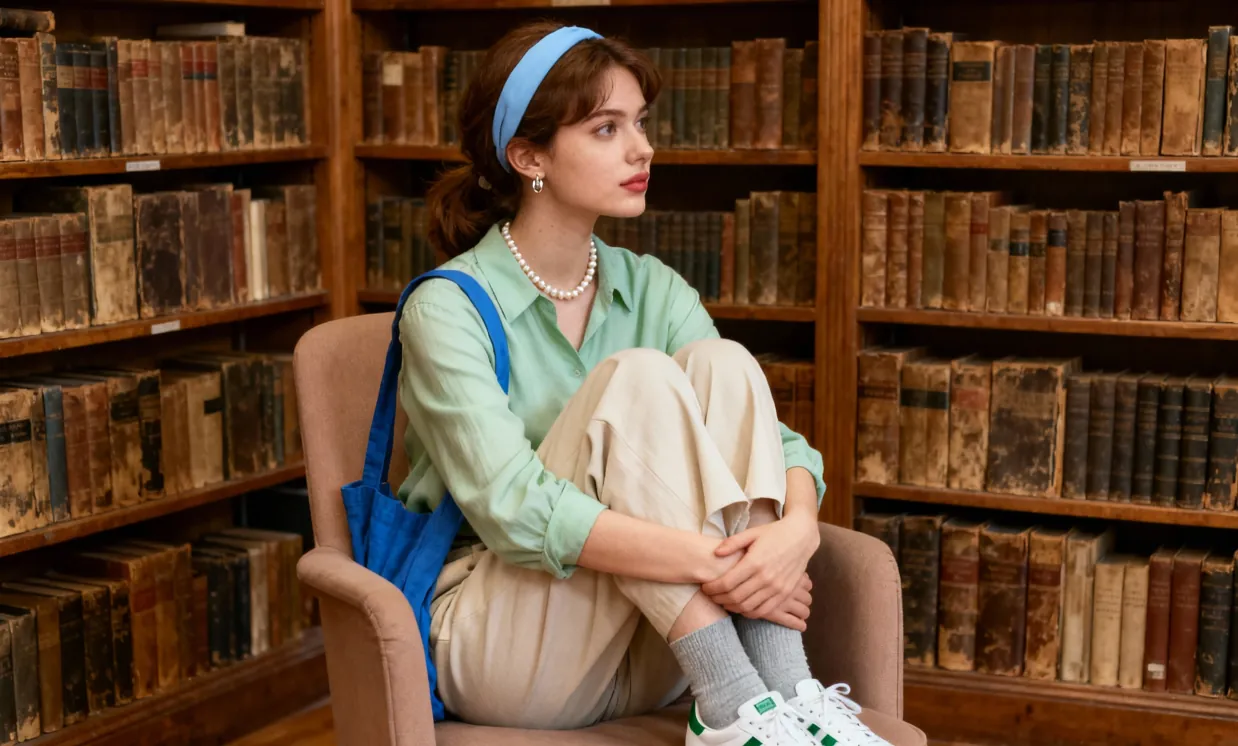
Original
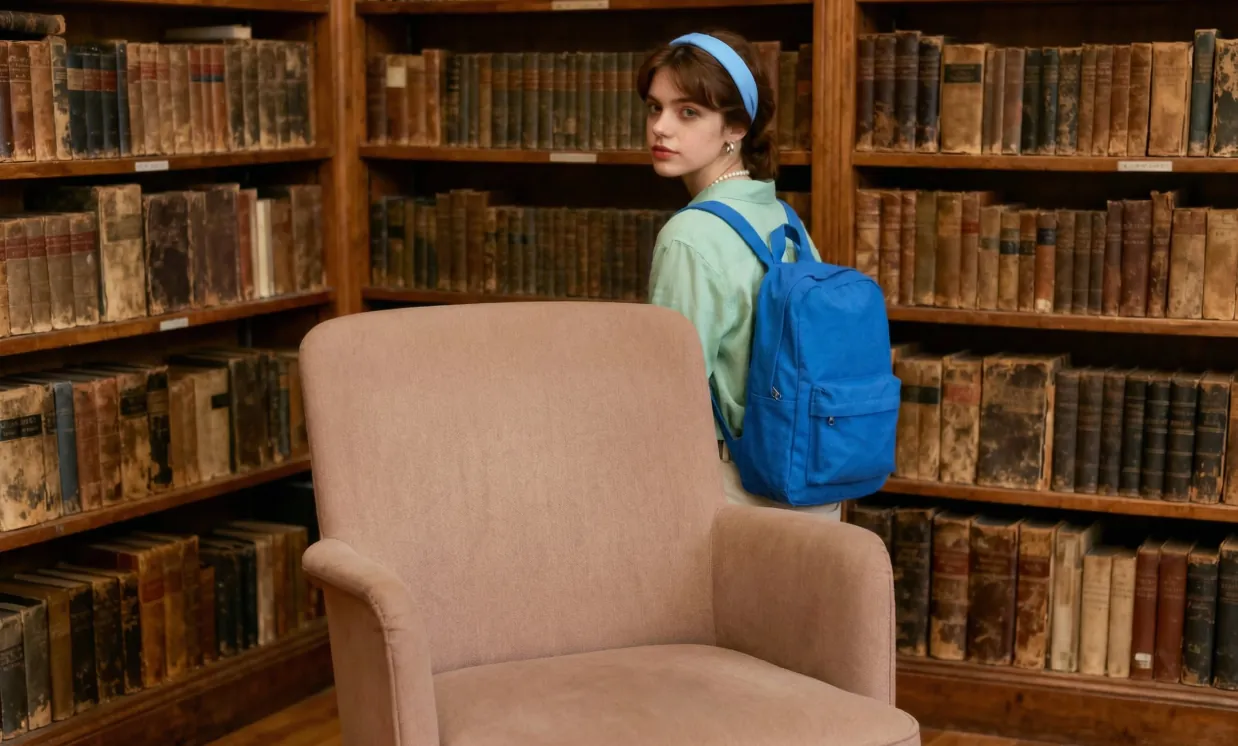
A girl with a backpack, standing relaxed near a bookshelf and behind a chair. Keep every other detail in the scene completely unchanged.
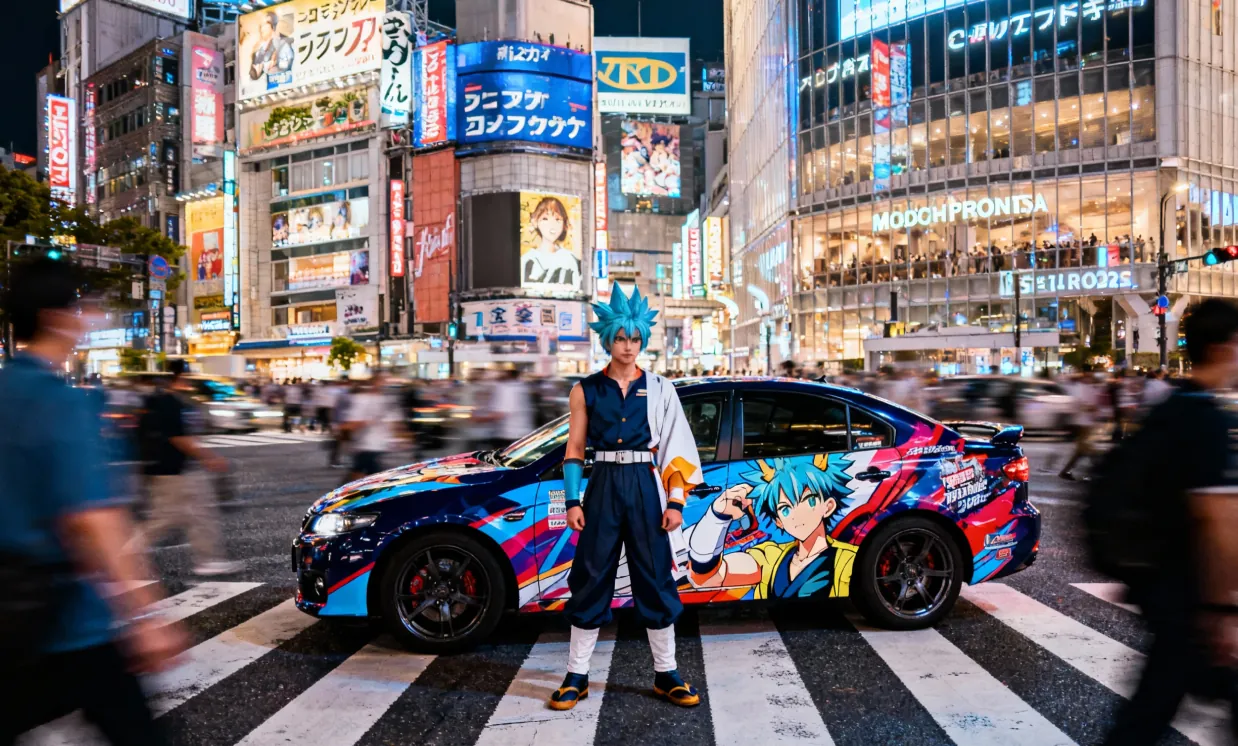
Original
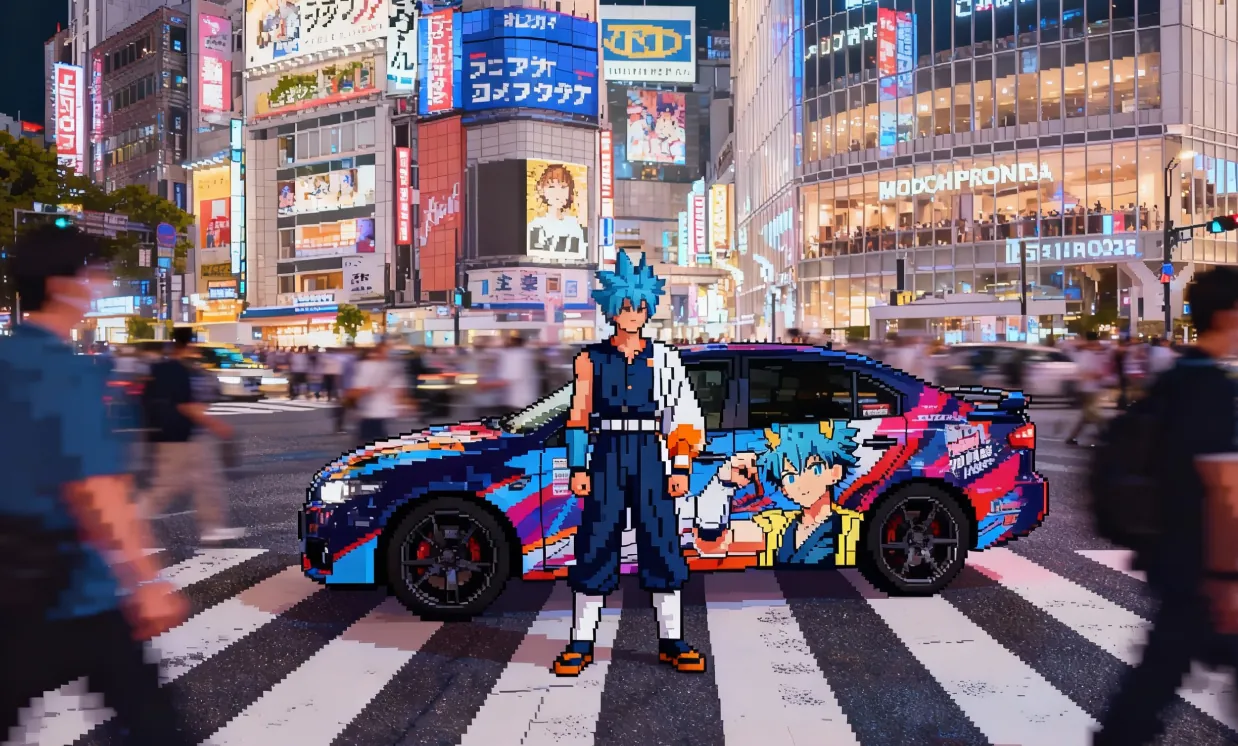
Convert a realistic image into retro, grid-style pixel video game art.
Original

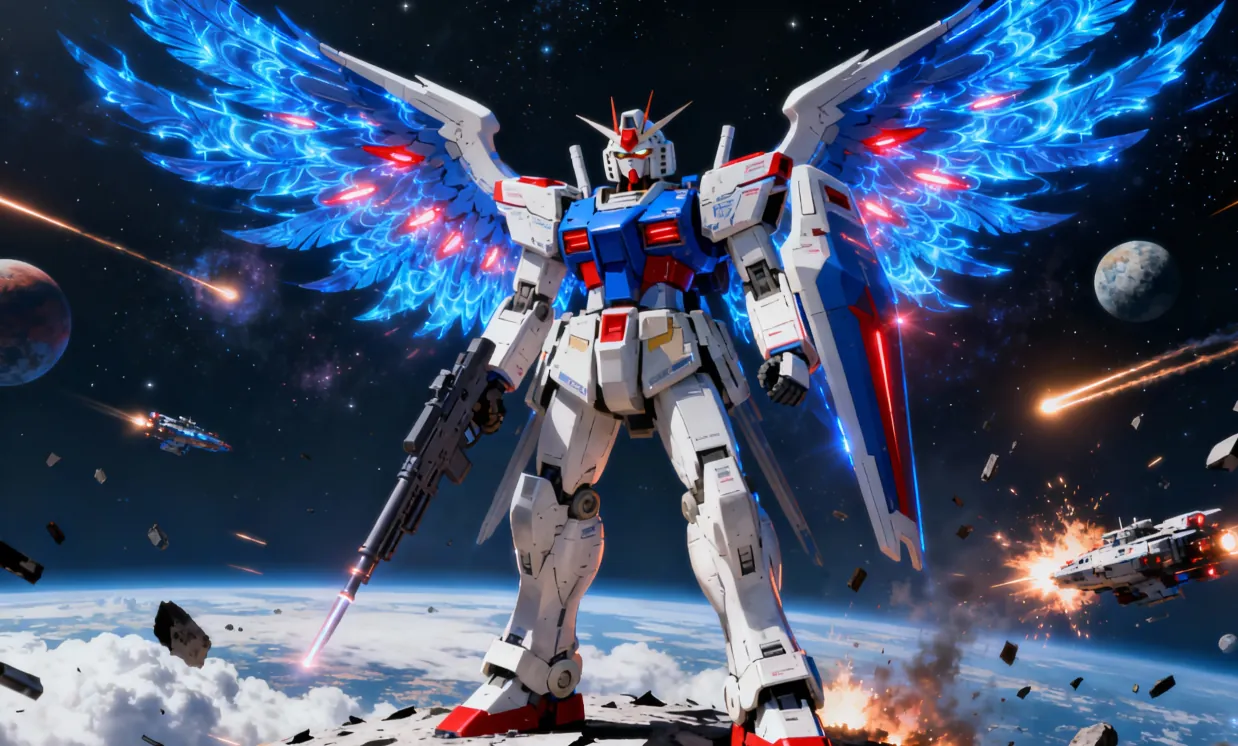
Ultra-realistic 8K overhead photo in strict knolling style. Take the object from the reference image and fully disassemble it into 8 to 12 main parts, arranging them neatly in a grid or radial layout on a minimalist wood or matte gray tabletop. Use uniform spacing and perfect alignment, no overlap or extraneous items. The scene is softly and diffusely lit by multiple light sources, casting subtle shadows and balancing neutral colors, with all elements in perfect focus. Show highly detailed real-world materials (metal, plastic, rubber grips, circuit boards, screws). For each part, add a slim white rectangular border, and place a short, clear English label next to it in a simple sans-serif font, not covering the part; annotations must be legible and not intrusive.
Open curated prompt libraries for popular image and video models, then adapt complete examples to your own creative workflow.
Explore production-ready prompts for cinematic scenes, branded videos, social content, and reference-guided motion.

Browse detailed prompts for expressive characters, product stories, cinematic sequences, and fast-moving video concepts.

Find adaptable prompt ideas for realistic motion, visual storytelling, advertisements, and imaginative video generation.

Discover structured image prompts for design exploration, illustration, marketing visuals, and precise creative direction.

Flaq AI Model Market
Continue to the Flaq AI Model Market to discover additional image, video, language, and creative AI options with documentation for each supported workflow.
Visit the Model Marketโปรแกรมพันธมิตร
แนะนำ Flaq.ai ให้ครีเอเตอร์ นักพัฒนา และทีมที่สนใจการสร้างภาพและวิดีโอ API โมเดล เวิร์กโฟลว์สร้างสรรค์ และการผสานรวมสำหรับนักพัฒนา รับค่าคอมมิชชัน 20% จากคำสั่งซื้อแบบชำระเงินที่ถูกต้องครั้งแรกของผู้ใช้ที่แนะนำ และ 10% จากคำสั่งซื้อแบบชำระเงินที่ถูกต้องครั้งถัดไปภายใน 60 วันหลังลงทะเบียน
เริ่มสร้างรายได้A professional AI image-to-image tool offering high-resolution outputs and a streamlined, user-friendly interface. Easily generate high-quality works from reference images. Diverse settings provide creative freedom, making image editing, design, and art creation more efficient and flexible.
Outstanding in rendering textures, lighting, and composition, the system produces highly accurate, richly detailed, and realistic images for vivid results.
Customize your desired visual style freely using prompts or reference images. Whether illustration, social media, product sketch, or other visual types, achieve your vision with ease.
Leveraging advanced natural language processing, the system accurately understands prompts and descriptions to quickly generate and optimize image content for smarter, more efficient creation.
The AI image-to-image converter is suitable for poster design, brand marketing, product showcases, and artistic creation. It enables precise image and text control, greatly improving creative efficiency and visual quality and providing powerful creative capabilities for designers, business teams, and educators.
Supports poster and various creative visual editing, with flexible adjustment of fonts, sizes, and styles—perfect for event promotion and brand marketing.
Enables rapid generation of product visuals and creative marketing materials, saving design time, enhancing visual appeal, and boosting brand influence.
Assists educators in creating and editing teaching visuals, making teaching resources more vivid and greatly improving presentation and effectiveness.
Empowers artists and designers with rich creative tools for style transformation, cross-domain inspiration, and maximized artistic possibilities.
This step-by-step guide will help you get started and achieve the best results with the AI image-to-image conversion tool.
เริ่มด้วยภาพสินค้า ภาพบุคคล สเก็ตช์ ร่างงานออกแบบ ภาพอ้างอิงสไตล์ หรือรูปภาพใดๆ ที่ควรนำทางผลลัพธ์ที่สร้างขึ้น
เขียนพรอมต์อธิบายสิ่งที่ต้องเปลี่ยนและสิ่งที่ต้องรักษาไว้ รวมถึงสไตล์ พื้นหลัง แสง สี องค์ประกอบ รายละเอียดวัตถุหลัก และเป้าหมายเอาต์พุต
เลือกโมเดลและการตั้งค่าที่รองรับ สร้างรูปภาพ ดูตัวอย่างผลลัพธ์ แล้วดาวน์โหลดภาพสำเร็จในรูปแบบที่รองรับ เช่น JPG, PNG หรือ WebP