
Seedance 2.5 Prompt Library
Explore production-ready prompts for cinematic scenes, branded videos, social content, and reference-guided motion.
Dùng và tự lưu trữ mẫu Ảnh thành Video miễn phí, mã nguồn mở mà không cần đăng ký. Việc tạo nội dung cần Flaq Client Key và tín dụng API.
Các ví dụ của Image to Video AI Generator cho thấy hình ảnh nguồn có thể trở thành clip chuyển động với hành động theo prompt, chuyển động camera, độ nhất quán hình ảnh và âm thanh tùy chọn khi model đã chọn hỗ trợ.
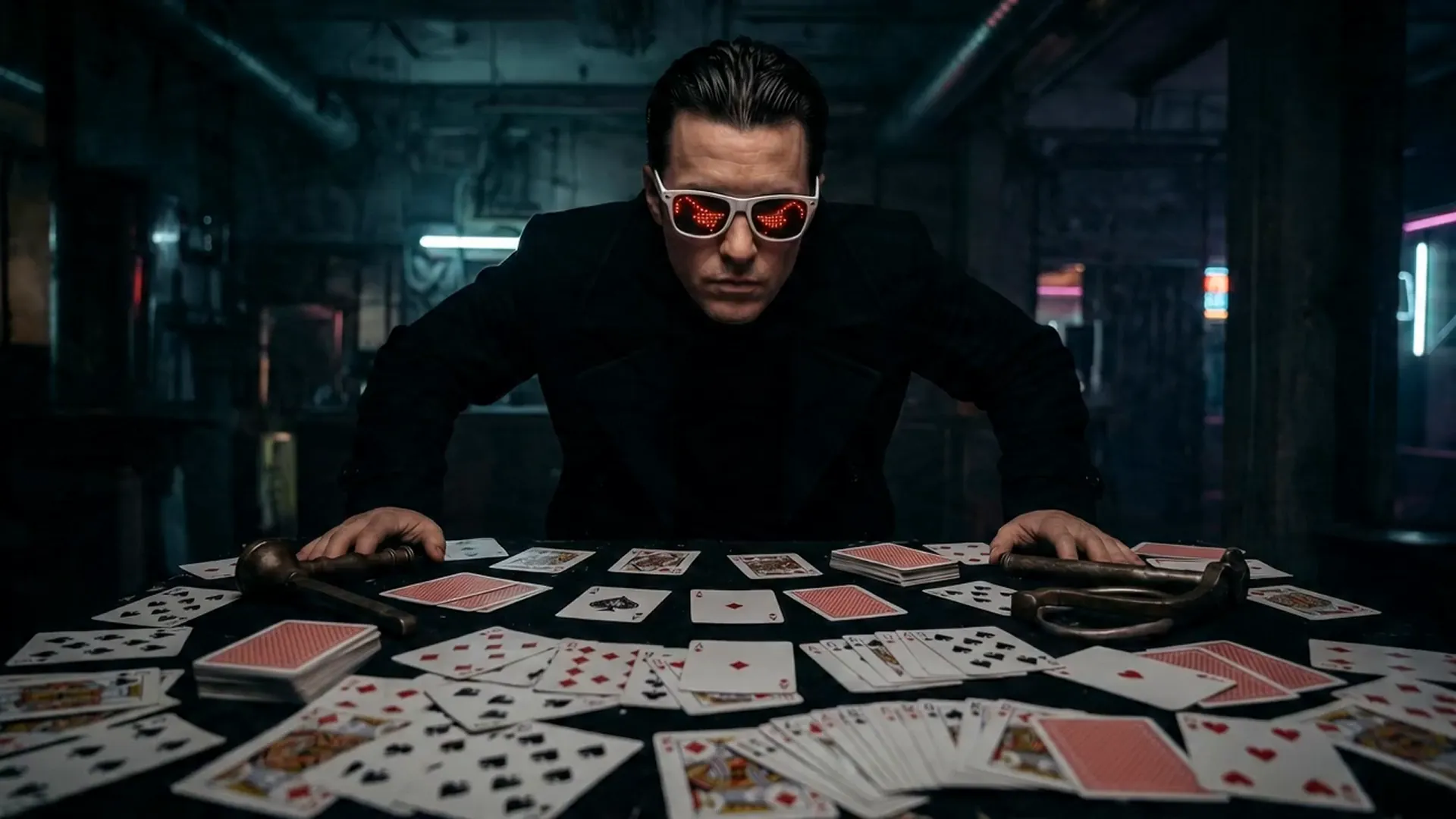
Open curated prompt libraries for popular image and video models, then adapt complete examples to your own creative workflow.
Explore production-ready prompts for cinematic scenes, branded videos, social content, and reference-guided motion.

Browse detailed prompts for expressive characters, product stories, cinematic sequences, and fast-moving video concepts.

Find adaptable prompt ideas for realistic motion, visual storytelling, advertisements, and imaginative video generation.

Discover structured image prompts for design exploration, illustration, marketing visuals, and precise creative direction.

Flaq AI Model Market
Continue to the Flaq AI Model Market to discover additional image, video, language, and creative AI options with documentation for each supported workflow.
Visit the Model MarketChương trình tiếp thị liên kết
Giới thiệu Flaq.ai đến các nhà sáng tạo, nhà phát triển và đội ngũ quan tâm đến tạo ảnh, tạo video, API mô hình, quy trình sáng tạo và tích hợp cho nhà phát triển. Nhận hoa hồng 20% từ đơn trả phí hợp lệ đầu tiên của người được giới thiệu và 10% từ các đơn trả phí hợp lệ tiếp theo trong vòng 60 ngày sau khi họ đăng ký.
Bắt đầu kiếm tiềnAI Video Generator not only generates content quickly but also focuses on visual hierarchy and narrative logic, making it an important productivity tool for content creators and business teams.
AI Video Generator produces high-quality videos with smooth motion and clear visuals, meeting professional video production standards.
Through optimized AI models, the generator significantly improves creative efficiency and shortens production cycles.
Character movements connect smoothly, scene transitions are seamless, both enhancing immersion and ensuring narrative continuity and logic.
With the Image to Video AI Generator, creators can unleash their imagination across various scenarios—from film shorts and social media content to brand advertising, educational training, and virtual reality experiences. This advanced tool can quickly transform text descriptions into high-quality, realistic and vivid video works, not only improving creative efficiency but also saving production costs, making creativity come to life faster.
AI Video Generator can quickly transform text descriptions into cinematic short films. Whether it's dramatic segments, sci-fi scenes, or emotional narratives, it can present precise cinematography, character consistency, and style matching, significantly improving the creative efficiency of film and video content.
With AI Video Generator, brands can easily generate high-quality advertising videos, product showcases, or promotional shorts at lower costs than traditional filming while quickly iterating versions, thereby enhancing brand exposure and communication effectiveness.
For platforms like YouTube Shorts, TikTok, and Instagram Reels, AI Video Generator can create attractive short videos. Combined with sound effects and visual filters, it helps creators enhance content interactivity and viral potential.
Teachers and training personnel can use AI Video Generator to create instructional videos, teaching demonstrations, or animated courseware. With AI-generated visuals and audio coordination, abstract or complex knowledge becomes more intuitive and easier to understand.
Bắt đầu với ảnh, hình sản phẩm, chân dung, thiết kế hoặc tham chiếu hình ảnh bạn muốn tạo chuyển động. Một số model cũng hỗ trợ khung cuối.
Viết prompt giải thích hành động, chuyển động camera, cảm xúc, ánh sáng, nhịp độ, thay đổi nền và các chi tiết của hình ảnh nguồn cần giữ ổn định.
Chọn model image-to-video được hỗ trợ, tạo clip, xem trước kết quả, rồi tinh chỉnh prompt hoặc thiết lập để có phiên bản tốt hơn.